
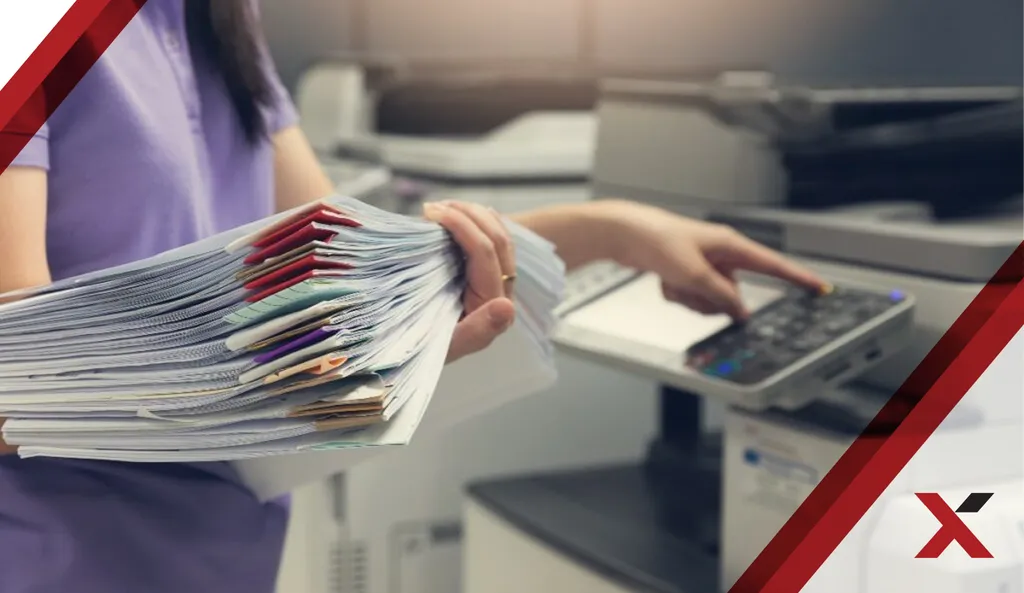
Revolutionize Your Business Communication with Fax to Email Solutions
Are you ready to ditch the bulky fax machine and embrace a smarter, more efficient way to handle your documents? In todays fast-paced business environment, communication is key, and outdated technology can hold you back. Lets investigate how fax to email solutions can transform your business operations, cut costs, and boost productivity.
Why Choose Fax to Email?
Traditional faxing is, lets face it, a relic of the past. Think about the costs involved paper, toner, machine maintenance, and dedicated phone lines. Its also incredibly inefficient. Documents sit in trays, waiting to be picked up, and sending a fax often requires standing by the machine. Doesnt that feel like a waste of valuable time?
Fax to email offers a modern alternative. It converts incoming faxes into digital documents, delivered directly to your email inbox. Outgoing faxes can be sent from your computer or mobile device, eliminating the need for a physical fax machine altogether. What are the real benefits of this approach?
- Cost Savings – Ditch the paper, toner, and dedicated phone lines. The reduction in expenses quickly adds up.
- Increased Efficiency – Send and receive faxes from anywhere, at any time. No more waiting by the fax machine.
- Enhanced Security – Digital faxes are more secure than paper documents sitting in a tray. Access can be restricted, and transmissions are encrypted.
- Improved Organization – Faxes are stored digitally, making them easier to find, organize, and archive. No more sifting through piles of paper.
- Environmentally Friendly – Reduce your paper consumption and contribute to a greener planet.
How Fax to Email Solutions Work
The beauty of fax to email lies in its simplicity. The process is straightforward, requiring minimal technical expertise. How does it actually work?
When someone sends a fax to your designated fax number, the fax to email solution receives it. The service then converts the fax into a PDF or TIFF file and sends it to your email inbox as an attachment. To send a fax, you simply compose an email, attach the document you want to send, and address the email to the recipients fax number followed by the services domain (e.g., 1234567890@example.com). The service then converts the email and attachment into a fax and sends it to the recipients fax machine.
No special hardware or software is required. Most services offer web-based interfaces and mobile apps, making it easy to manage your faxes from any device.
Selecting the Right Fax to Email Provider
With numerous fax to email providers available, choosing the right one can feel daunting. What factors should you consider?
- Pricing – Look for a provider that offers transparent pricing plans that fit your budget. Consider the number of pages you expect to send and receive each month.
- Features – Evaluate the features offered by each provider. Do you need features like optical character recognition (OCR), which allows you to search the text of your faxes? Do you need integration with other business applications?
- Security – Ensure that the provider offers robust security measures to protect your sensitive information. Look for encryption, access controls, and compliance with industry regulations.
- Reliability – Choose a provider with a proven track record of reliability and uptime. Read reviews and check the providers service level agreement (SLA).
- Customer Support – Select a provider that offers responsive and helpful customer support. Test their support channels before committing to a long-term contract.
Integrating Fax to Email into Your Workflow
Integrating fax to email into your existing workflow is typically a seamless process. Most providers offer integration with popular email clients, such as Gmail and Outlook. How can you get started?
- Choose a Provider – Research and select a fax to email provider that meets your needs.
- Sign Up – Create an account and choose a plan.
- Select a Fax Number – You can typically choose a new fax number or port your existing number to the service.
- Configure Email Settings – Configure your email client to receive faxes from the service.
- Start Faxing – Begin sending and receiving faxes directly from your email.
The Future of Faxing
While the traditional fax machine may be fading into obscurity, faxing itself is not dead. In many industries, such as healthcare and legal, faxing remains a common and necessary form of communication. Fax to email provides a modern, secure, and efficient way to continue using faxing technology while embracing the benefits of digital communication.
Isnt it time to embrace a more efficient and cost-effective way to manage your fax communications? Make the switch to fax to email and unlock a world of possibilities for your business.